Halo Store Management Introduction
This section outlines the various features within store management. A store can be managed either by the Store Owner user or the Group Management user that created or has been assigned to that store.
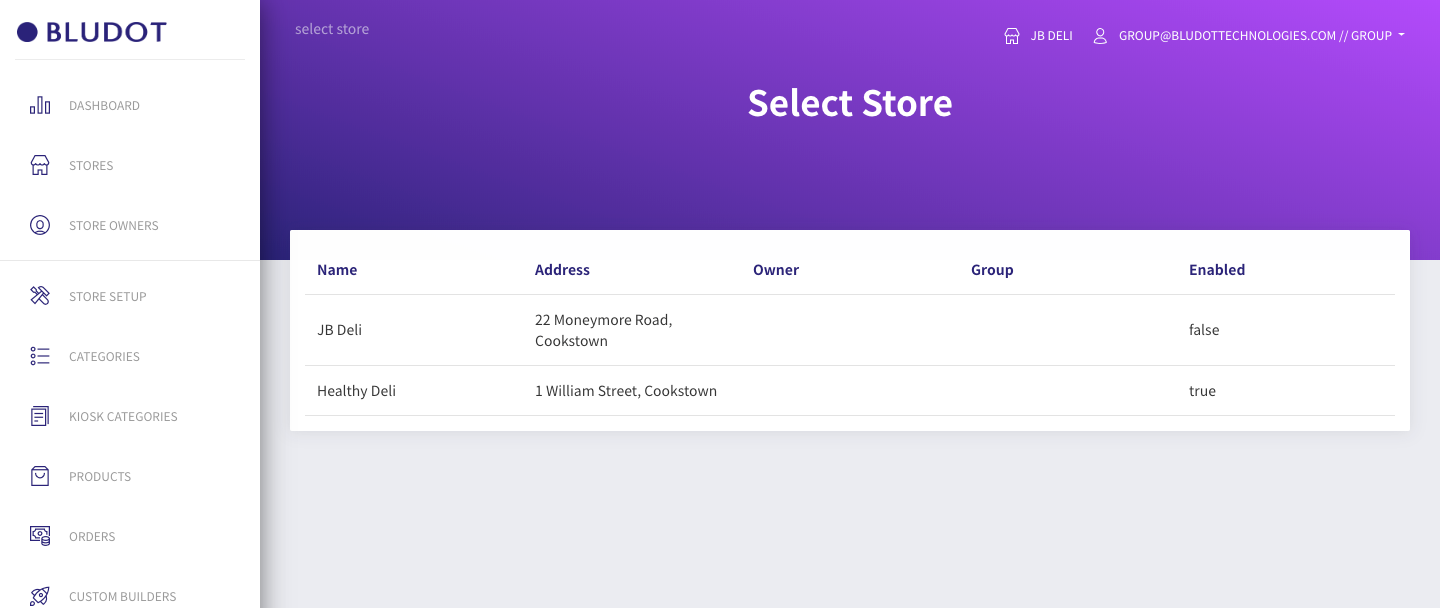
- Select the store you wish to configure by clicking on the store selection button on the top right of the screen.
- Choose the store from the list.
- If you have only one store, this will automatically be selected.
- You will automatically be taken to the Store Dashboard.
Your currently active store is always displayed at the top of the screen