Creating a Store
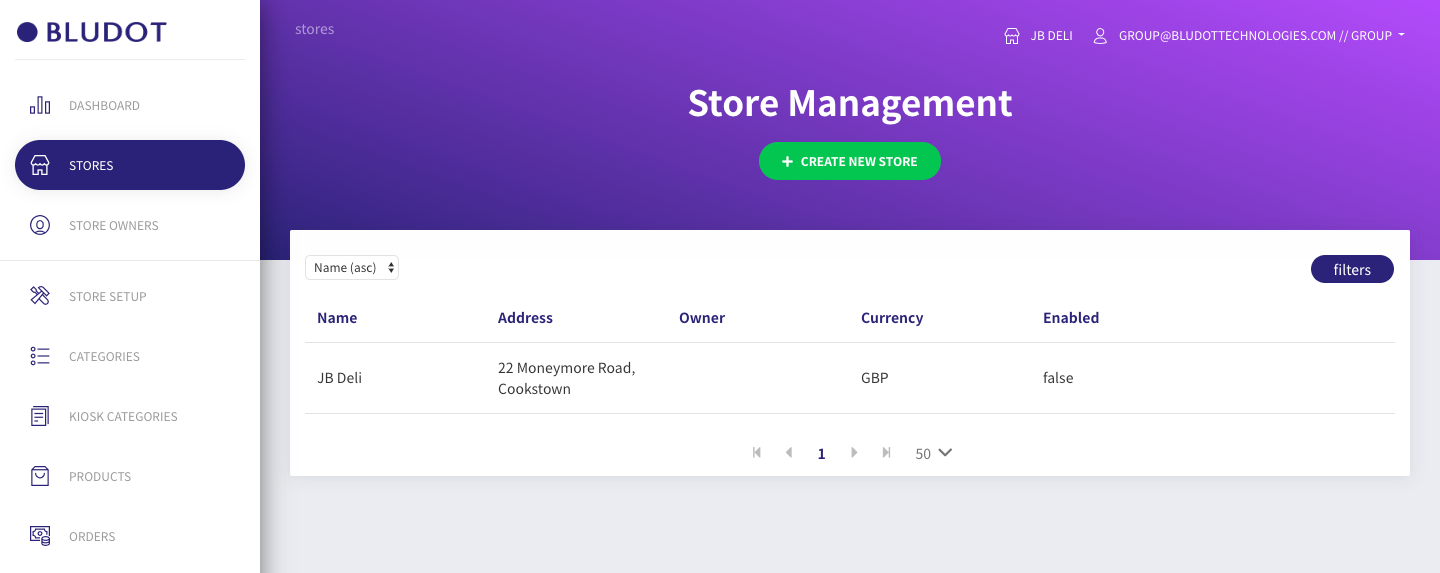
- Navigate to 'store' from the main menu
- Click the green 'Create new store' button
Note: This screen is used only for creating stores. To select a store for configuration purposes, please use the store selector button on the top right of the screen.
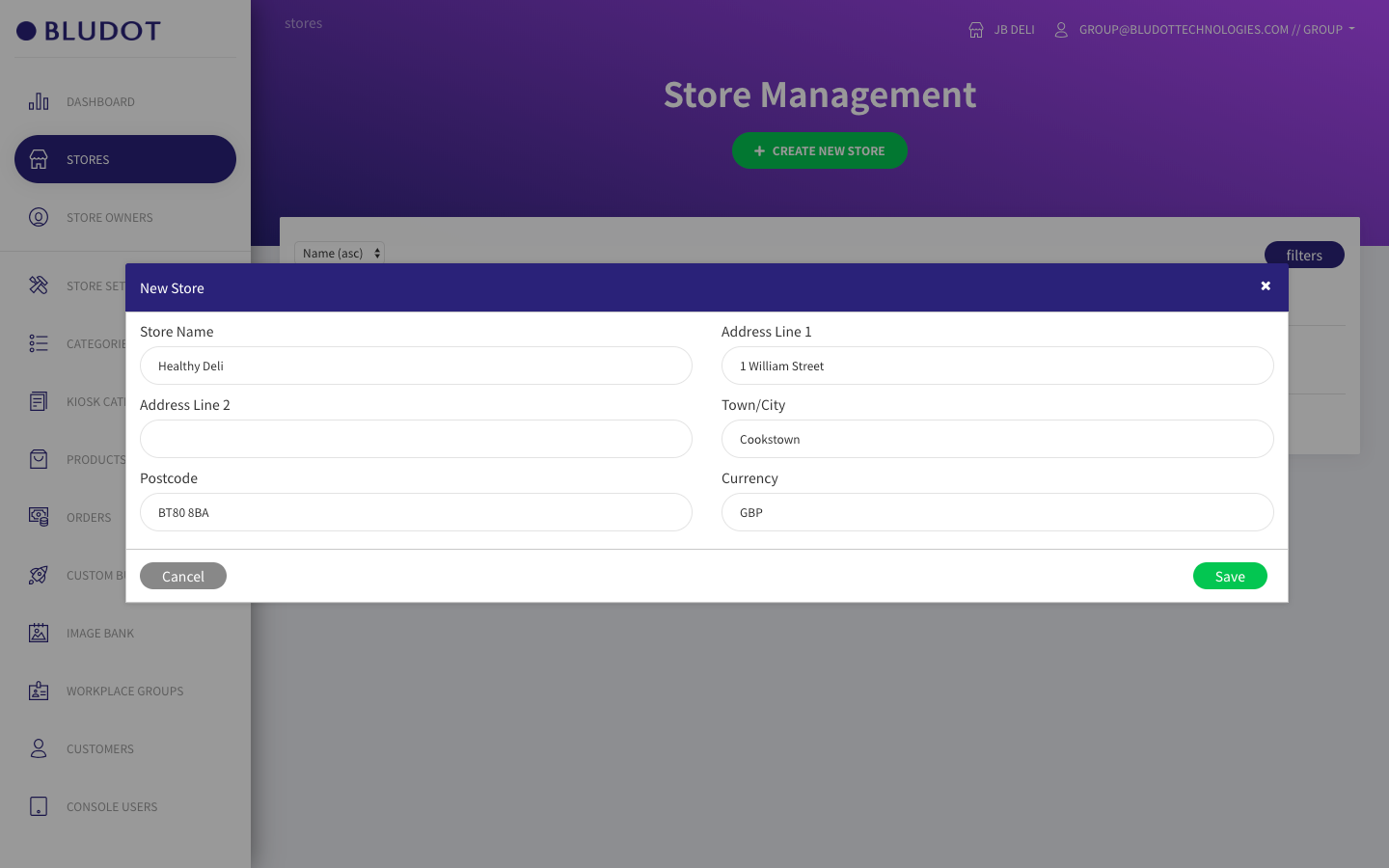
- Enter store details in the modal window. Please note that the address entered at this stage is for admin purposes only and will not effect the location shown within mapping on the mobile app.
- In the currency field, enter GBP for pound sterling and EUR for euro.
- Click 'Save'
- New store has been created
Notice that there is currently no owner assigned to the store. We will do this in the next step.